REVIEW THE REPORT.
An image may resemble one in a documented suspicious rental-ad report. Read the source and compare its details with the listing you are considering.
 SAFE NET
A SAFE NET PUBLIC TOOL
SAFE NET
A SAFE NET PUBLIC TOOL
KNOW BEFORE YOU PAY
Upload listing photos or screenshots. We describe visible clues, look for image reuse, and suggest what to verify before paying.
THIS IS A SCREENING TOOL. An image match cannot prove a rental is fraudulent. No match cannot prove it is legitimate.
Use listing photos or screenshots. Exterior and room photos often give the clearest image comparison.
BEFORE YOU UPLOAD: Do not include IDs, payment details, lease documents, or private conversations. Cover personal information in screenshots. Images upload to Firebase Storage and are analyzed with Google Cloud Vision. Selected redacted text from the image may also be analyzed with Google Gemini to explain visible clues. Uploads are removed from the active upload area after processing; private result records expire. Only upload images you are permitted to share.
Your selected images will appear here.
This address stays in your browser and is not sent with your images or to SAFE Net’s checker. If you click the independent search link in your results, a separate Google search opens and Google receives the address you typed. No search opens automatically.
Upload photos to begin.
SAFE Net does its best to provide accurate, useful information, but image search and AI can miss matches, misread text, or surface outdated pages. By selecting CHECK IMAGES, you acknowledge that these results are clues to verify, not proof of a property’s current status, an advertiser’s authority, or fraud. Confirm the offer independently before paying or sharing personal information.
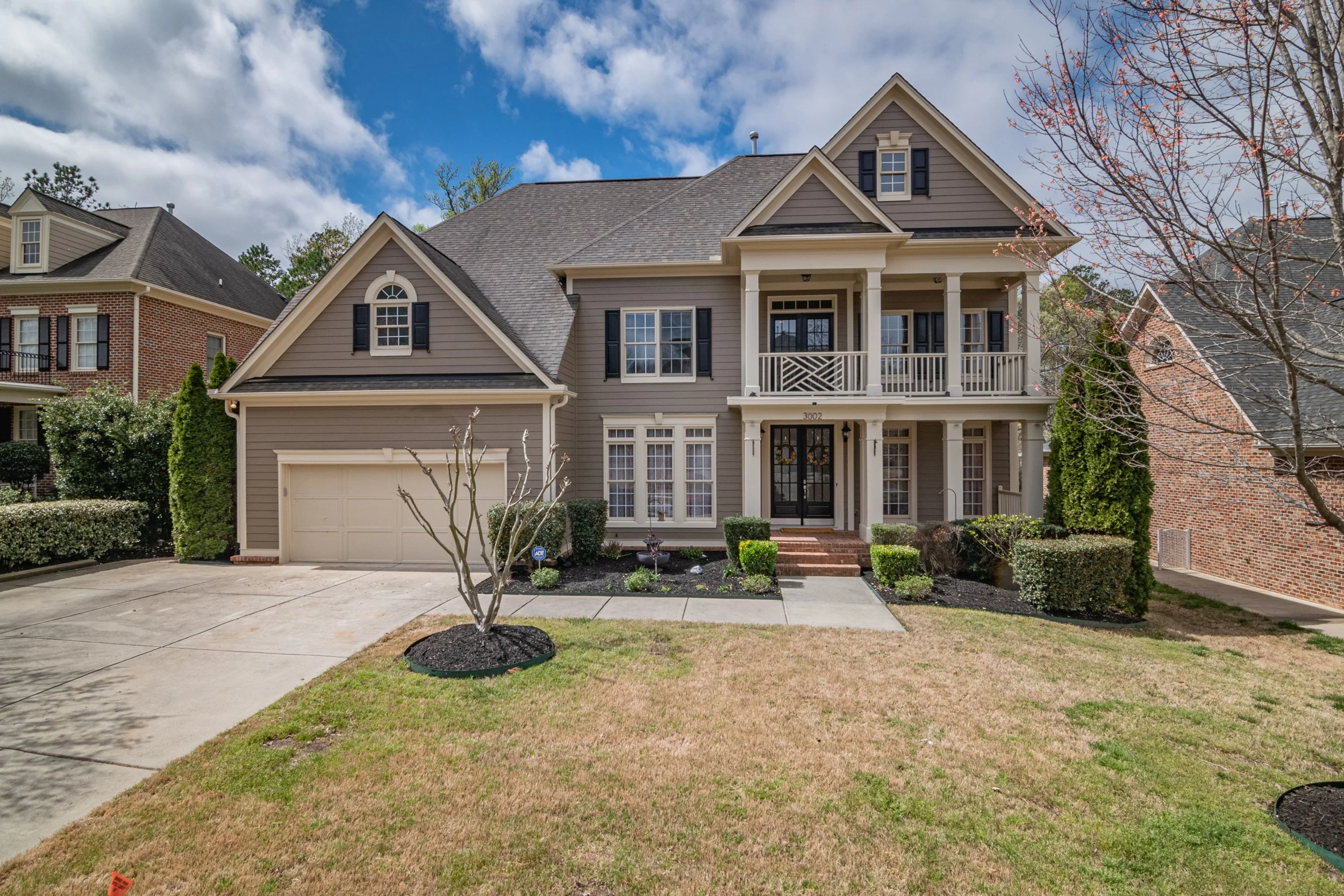
Each image has one evidence summary. Open available source links and verify what the page says today before acting.
Image and text recognition provide clues, not a rental verdict. Compare visible claims and source links with the property manager through contact details you find independently.
An image may resemble one in a documented suspicious rental-ad report. Read the source and compare its details with the listing you are considering.
A possible source for the property image may be available. Verify the address, advertiser, rental terms, and ownership through independent channels.
The image may appear elsewhere online. A reused image is a reason to investigate, but is not proof of deception by itself.
No match means this check did not locate one. It does not clear the listing or confirm the identity of the person asking for payment.
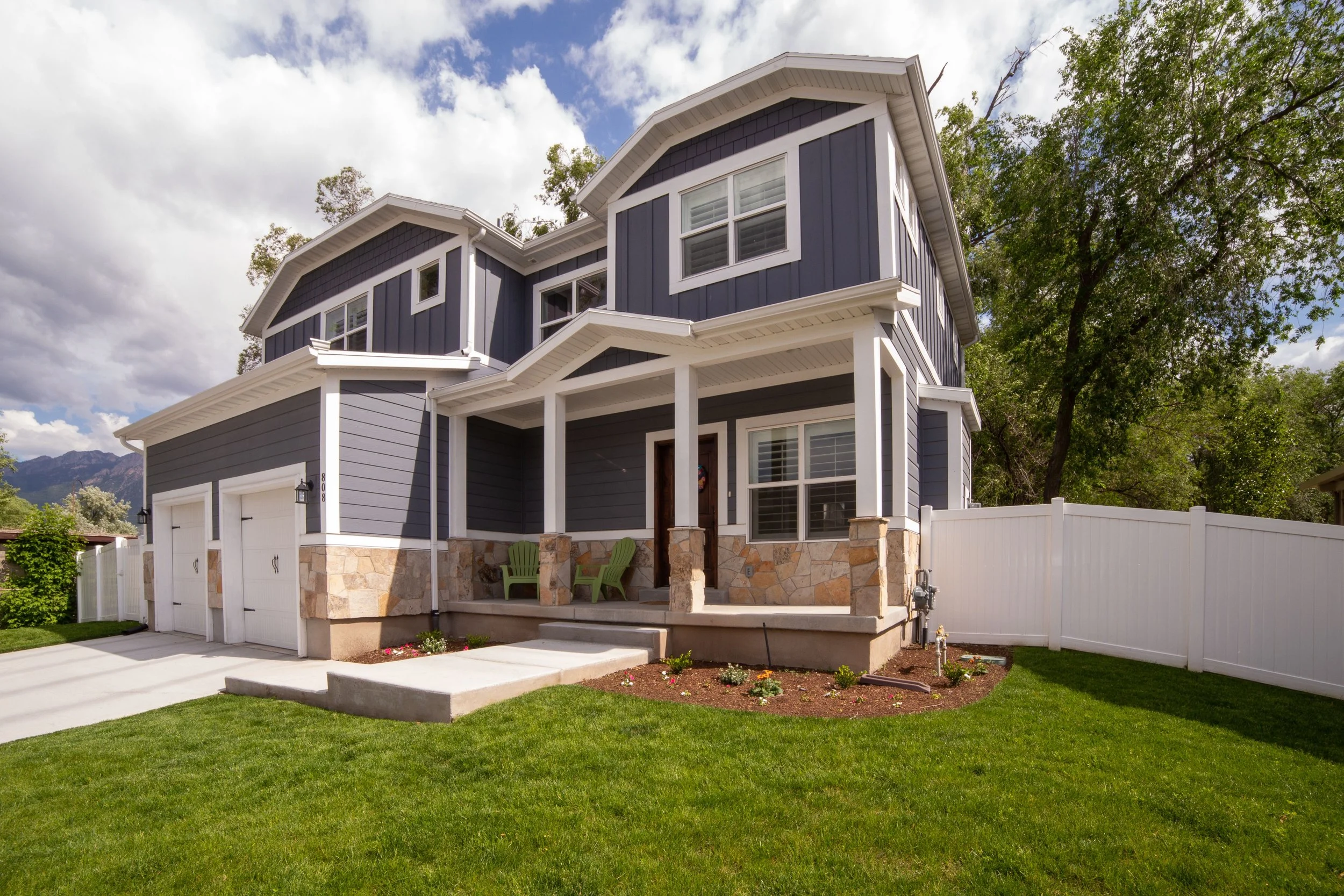
Go to the property manager's or agent's official website yourself. Contact them using a number you find independently, then ask whether they listed this exact property at this exact price.
Check whether photos, location, price, and details agree across trusted listings.
Use independently found contact information, not only the message or number in the ad.
Arrange a legitimate showing or an independently verified alternative before sending money.
A stolen photo can be attached to a convincing ad. Save the listing URL, screenshots, messages, and payment request so you can compare the claims and report concerns.
REPORT A SCAM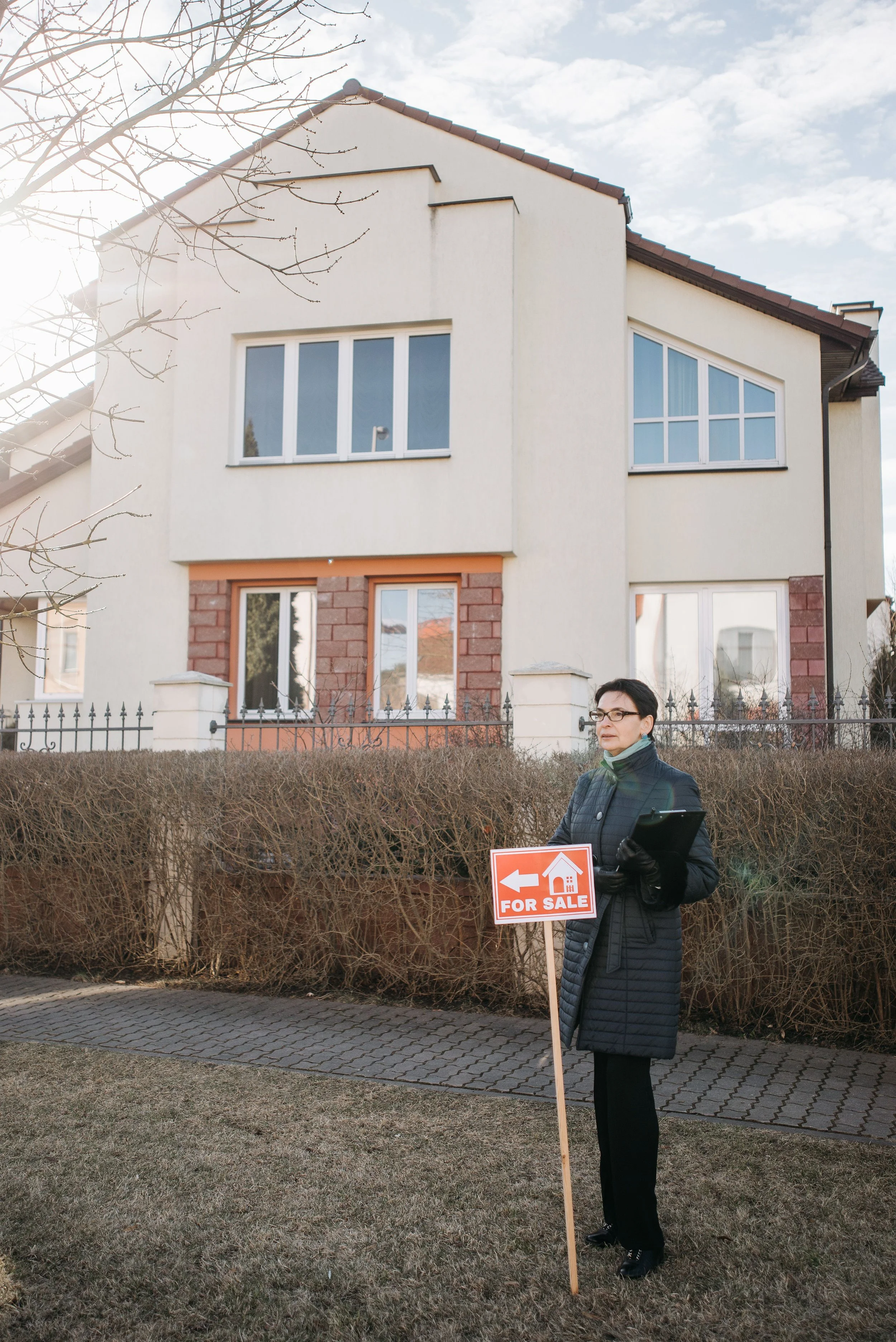
Any one clue deserves a closer look. It is not, by itself, proof of fraud.
Support practical scam education and reporting guidance for our community.
DONATE TO SAFE NET